
Multi-Factor Authentication: It's Not Just for the Workplace Anymore
Most of us already use MFA at work. But are you using it at home? You should be.

Yes, it’s cumbersome. Yes, it’s annoying: You enter your username and password, pull out your phone, access your authenticator app, and frantically enter the six-digit code before the 30-second countdown expires. Most of us are forced to use Multi-Factor Authentication (MFA) at work these days. But why? Didn’t we used to just type in a username and password? Why deal with this extra step?
Short answer: Because passwords can be intercepted, cracked, or if they’re weak, straight-up guessed. MFA is significantly harder to bypass.
What is Multi-Factor Authentication?
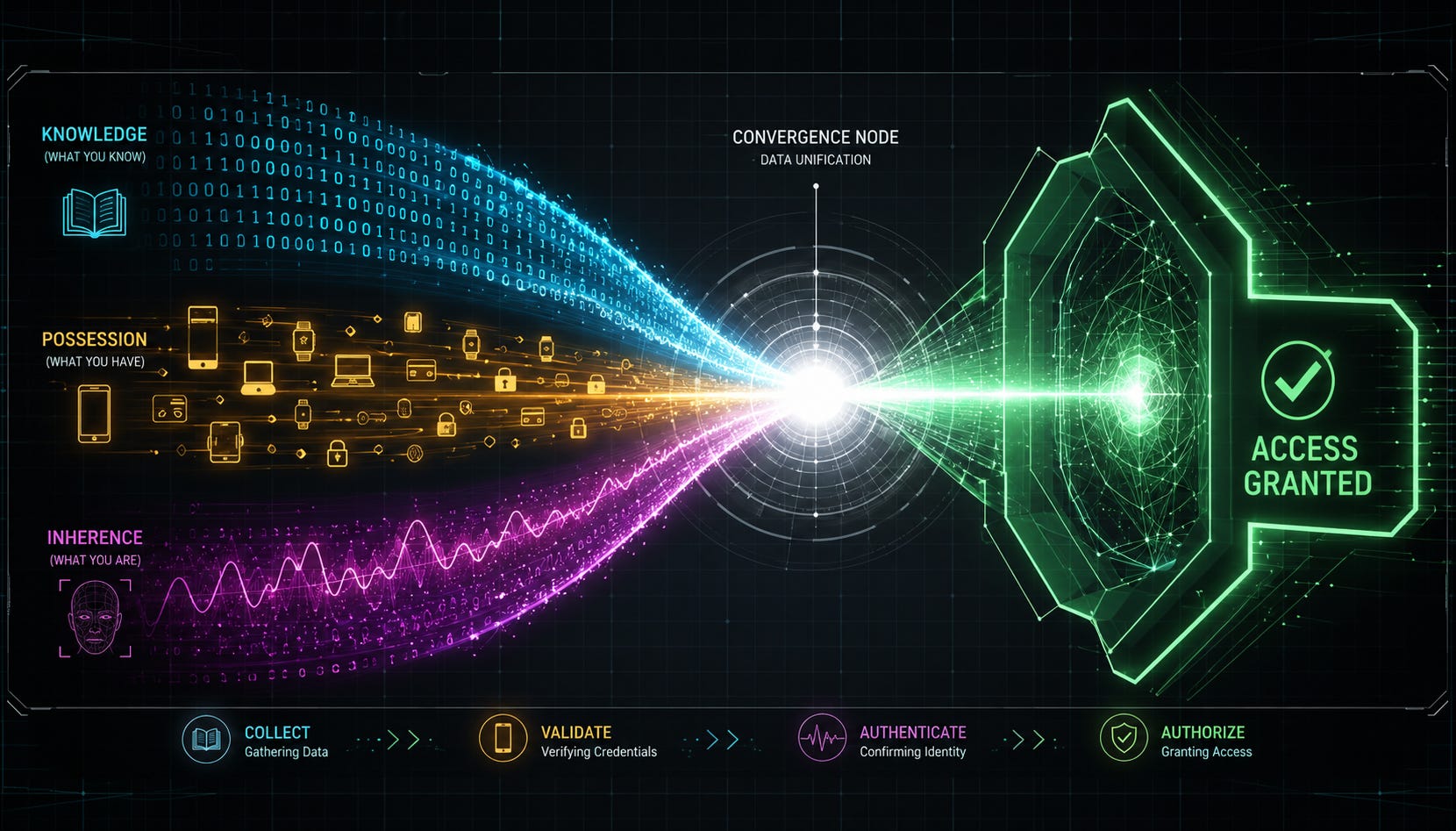
A password is “something you know.” That’s the first step to logging into a properly secured account. The second step is providing proof of “something you have,” and that’s where MFA works its magic. It can take different forms, but the most common is your phone. If you have an authenticator app installed, it generates a six-digit code—which expires at frequent, regular intervals—that you enter after typing your password. If you’re not using an authenticator app, the online service might send you a text message with a similar one-time passcode.
Either way, the outcome is the same: You know your password, and you have your phone, so you must be you. If you’re missing either, you can’t log in. A threat actor would have to be exceptionally clever and aggressive to get their hands on both.
There are other options, such as FIDO2 security keys, but we won’t get into those right now. Most of us are using our phones, and they work just fine.
The Adoption Gap: Work vs. Home
According to a report by JumpCloud, 83% of organizations required MFA for some IT resources in 2024. While exact consumer translation is difficult, it’s safe to say a vast majority of us use MFA at work.
But how many of us use MFA at home? The stats get murky. If we’re talking about online banking, the answer is “almost all of us,” simply because we don’t have a choice. Nearly all banking platforms require it.
For other applications, however, the numbers drop off fast. A recent report by Duo Security indicates that adoption for personal accounts lags significantly behind enterprise usage. While specific percentages fluctuate yearly, trends show that personal email and social media accounts remain under-protected compared to corporate assets. Considering both are frequently targeted by hackers, current adoption rates are still too low.
The picture looks even bleaker when broken down by age. Young people aged 18–24 often lead the pack in adoption, while those over 65 typically show the lowest usage rates. Each younger age group is generally more likely than their seniors to use MFA on personal accounts, yet overall personal adoption remains dangerously low.
The Stakes Are Higher Than Ever
As cumbersome as it is, MFA is critical. In 2024, Microsoft reported observing an average of 7,000 password attacks every second on its consumer-facing systems, more than double the rate from 2023. Crucially, 99.9% of compromised accounts did not have MFA enabled.
The attacks are relentless. MFA can stop them.
The Bottom Line
You already know how to use Multi-Factor Authentication. You’re probably already using it at work. If you’re not also using it at home, now is the time to start. Any online account that can be protected with MFA (and most of them can these days) should be. Yes, it’s annoying and cumbersome, but remember the statistic: Don’t be part of the 99.9%.